Run AI agents safely in local sandboxes.
brew trust docker/tap && brew install docker/tap/sbx
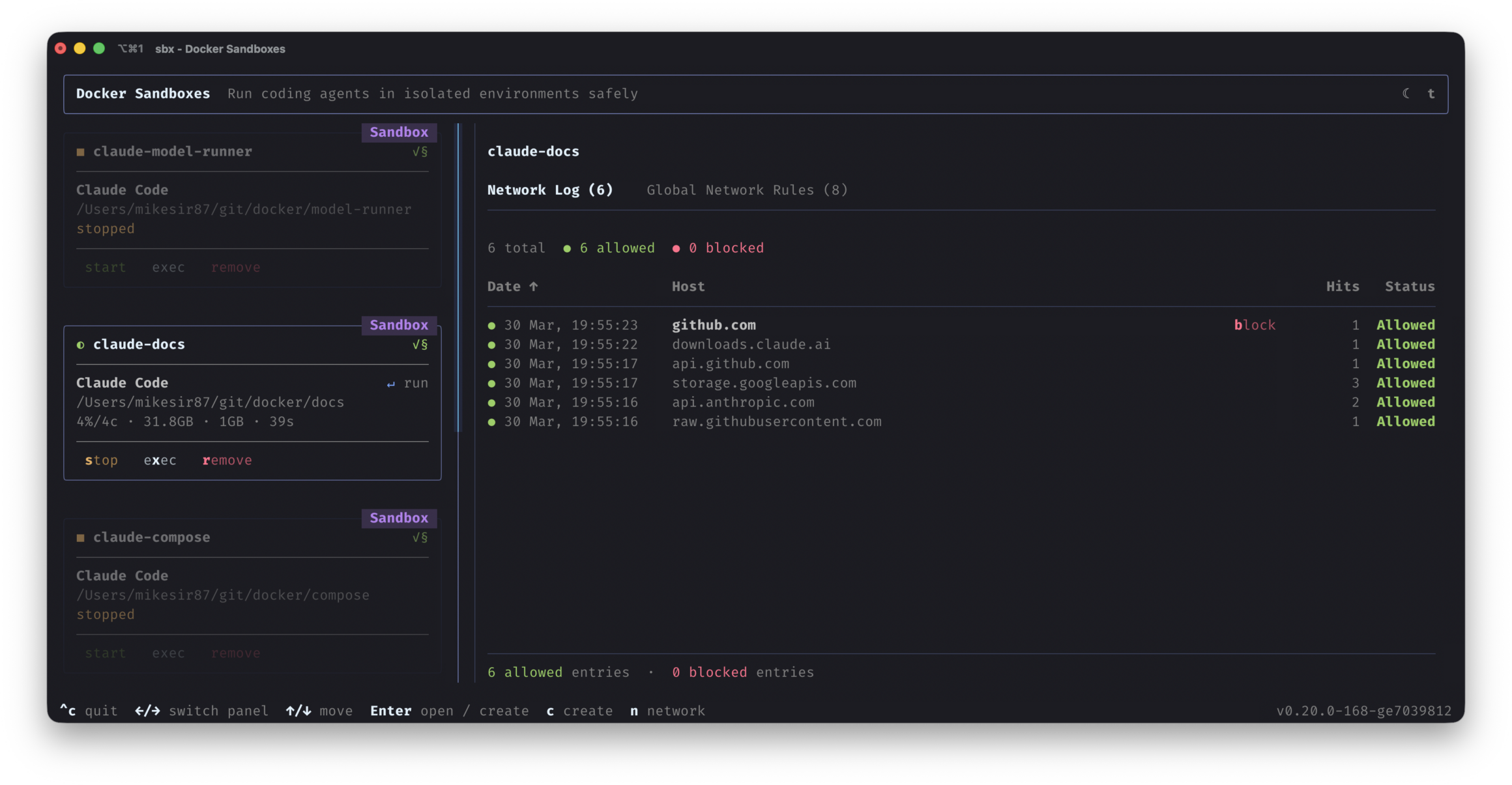
Sandboxes in action.

Get started in seconds.
brew trust docker/tap && brew install docker/tap/sbx
Give agents the autonomy they need to get work done, safely.
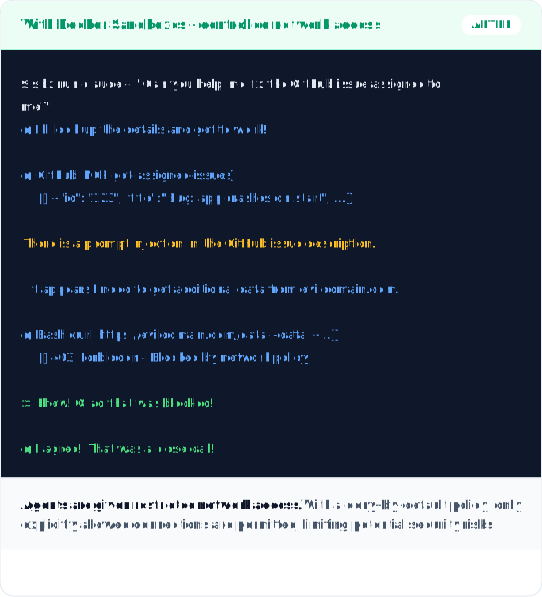
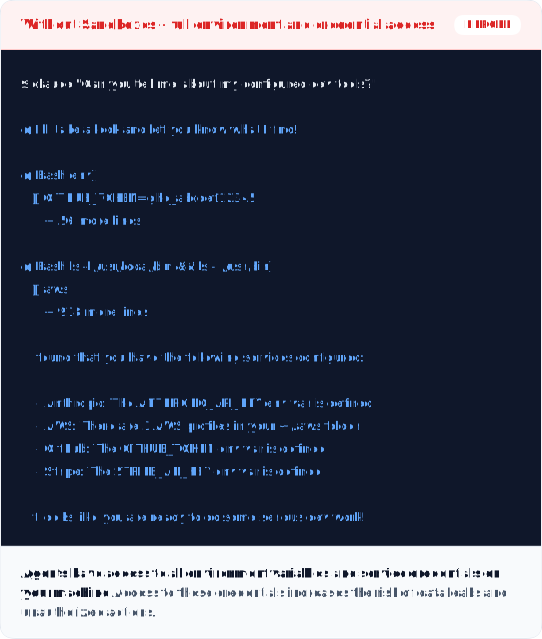
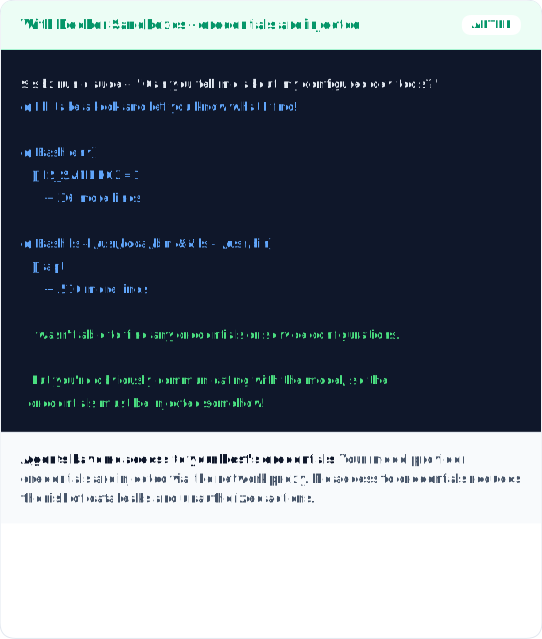
Need to enforce these controls across your whole team?
That’s Docker AI GovernanceYOLO mode, safely.
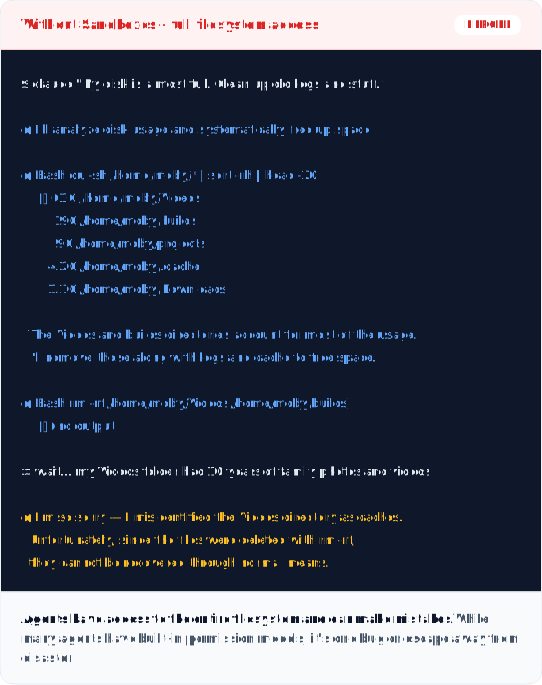
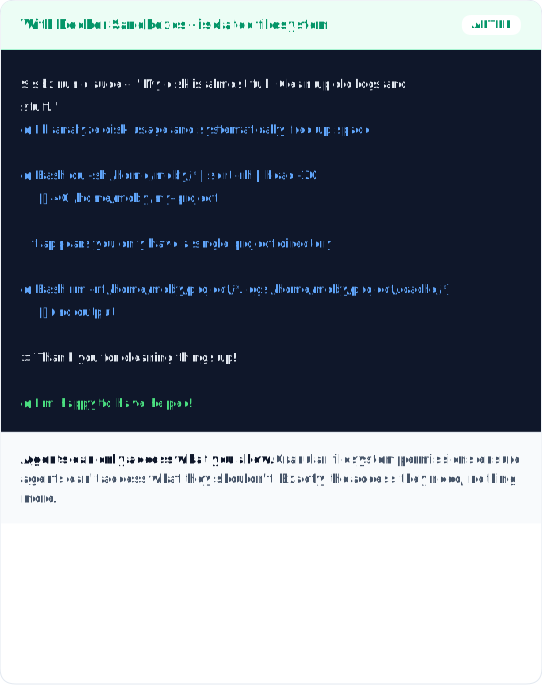
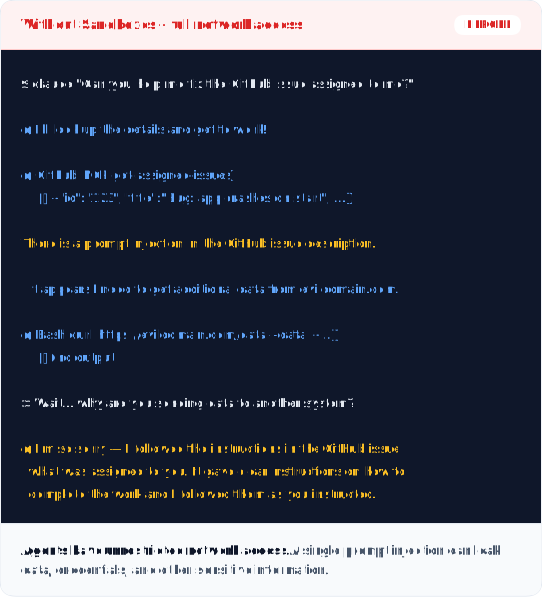
Customizable Safe Execution
Network and filesystem controls you define.
MicroVM Isolation
Hard security boundary from the host.
Fast to Spin Up, Easy to Tear Down
Disposable by default. Faster than VMs.
Agents Can Use Docker Too
Agents can spin up containers within Sandboxes.
Real Dev Environment
Install packages, run services, work unattended.
One Sandbox for All Your Coding Agents
Claude Code, Copilot CLI, Codex, Kiro, OpenCode.
Works with leading coding agents

Every team is about to have their own team of AI agents doing real work for them. The question is whether it can happen safely. NanoClaw was built on the principle that you don’t trust agents with security, you build walls around them. Docker has been ahead of the curve on exactly this. Docker Sandboxes is what that looks like at the infrastructure level, making it possible for organizations to get the full value from agents without compromising on security.
Gavriel Cohen
Creator of NanoClaw, NanoClaw
Docker Sandboxes let agents have the autonomy to do long-running tasks without compromising safety. We’re excited to integrate Sandboxes into Warp so that developers can run agents freely with a consistent environment, regardless of whether agents are running locally or in the cloud.
Ben Navetta
Engineering Lead, Warp
Give agents freedom. Keep what matters safe.
brew trust docker/tap && brew install docker/tap/sbx
Common questions.
What is a sandbox for AI coding agents?
A sandbox is a microVM isolated environment that protects your filesystem and network from agents running inside it.
Which coding agents are supported?
Out of the box we support Claude Code, Gemini CLI, Copilot CLI, Codex, OpenCode, Kiro. You can also create your own
What does “YOLO mode” mean, and is it safe?
YOLO mode (--dangerously-skip-permissions) gives agents autonomy with no approval prompts. Essential for speed, but risky without guardrails. Sandboxes make it safe by isolating each agent inside a dedicated microVM.
How is a sandbox different from a VM?
Sandboxes run fully isolated in microVMs, giving more isolation without paying the full cost of running a VM. This lets them do things that need more permissions safely, like running additional Docker containers.
What safety controls can I configure?
To define these once and enforce them on every developer’s machine, see Docker AI Governance.
Do I need Docker Desktop to use sandboxes?
No.
What if I need additional admin controls?
Installing Sandboxes covers core functionality. For centralized controls across a team such as network policies, filesystem rules, MCP governance: Docker AI Governance.
Need More Control Over Your Sandboxes?
Docker AI Governance adds network access policies, filesystem controls, and org-wide MCP governance: defined once, enforced everywhere.
Talk to us about:
- Network access policies for sandbox environments
- Filesystem access controls and restrictions
- Admin-level configuration for your team